
Native in Microsoft Copilot. Live in days.
Two paths built for Copilot: Connect our skill endpoint to a Copilot Studio agent, or install the Cowork plugin. Little to no IT needed. Claude, ChatGPT, and sovereign setups have their path too.
Two Copilot-native paths. A third for even more control.
Most of our clients run on Microsoft 365, so start there. On Cowork? Take the plugin: One admin install equips every assigned user, governed by your tenant.
Everyone else connects the endpoint to a Copilot Studio agent; that takes minutes, and your own skills sit right next to ours. Under the hood both run on MCP, the open standard that also connects Claude, ChatGPT, Agentforce, Frontify, Langdock, Nuwacom, and any MCP-ready assistant.
Option C, Sovereign & Enterprise, puts everything in your own hands. Try the endpoint before you commit to it; switching later costs nothing.
| A Option A Copilot Studio agent (skill endpoint) | B Option B Copilot Cowork plugin | C Option C Sovereign & Enterprise | |
|---|---|---|---|
| Best for | Your own Copilot Studio agents; Claude, ChatGPT, and other MCP-ready platforms. | Many users, all 42 skill sets, tenant-governed. Requires Cowork. | Sovereign cloud, air-gapped, full in-house control. |
| Where it shows up | Your agents, plus any MCP-ready assistant. | Microsoft Copilot Cowork, for every assigned user. | Your runtime, your pipelines, or your own governance platform account. |
| Setup | Paste the endpoint. Minutes. | One admin install. No IT project. | Designed with your IT. |
| Update cadence | Continuous | Continuous | On your release schedule |
| IT effort | Low | Low | Custom |
| Data leaves your boundary | No | No | No |
| Who controls releases | We host the endpoint; you flip versions. | Your tenant governs access; we keep skills current. | You. Files, versions, releases. |
Copilot Studio also takes our skill sets as attachments, next to your own. And Copilot in PowerPoint (the standard Microsoft 365 Copilot) runs our skills as simple exports, included.



How the integration works.
Our skill sets are up and running fast: Days from signature to first results. No migration, no training course.

- 1 The kickoff
Choose your integration path.
Once the contract is signed, we help you pick the simplest path for your stack. For most Microsoft shops that is settled in one call. From there, access runs on your existing single sign-on.
- 2 Day 1
Skill sets live.
The default skill sets are ready on day one and drop straight into whatever AI tool your team already uses.
- 3 Day 2 to day 10
First real wins.
From the very first tasks, prompts, and briefs, your team feels the difference. Clients measure it: 50% time saved on campaign preparation, 3+ hours per team member per week on drafting.
- 4 After onboarding
Calibration and fine-tuning.
To fit your market, company, and workflows, we go beyond the defaults: One of our experts works with you to tune the skill sets to your brand, your audiences, and your tone.
That same person stays on call for questions and requests, and folds in every new skill set as it ships.
Test the skill sets without integrating.
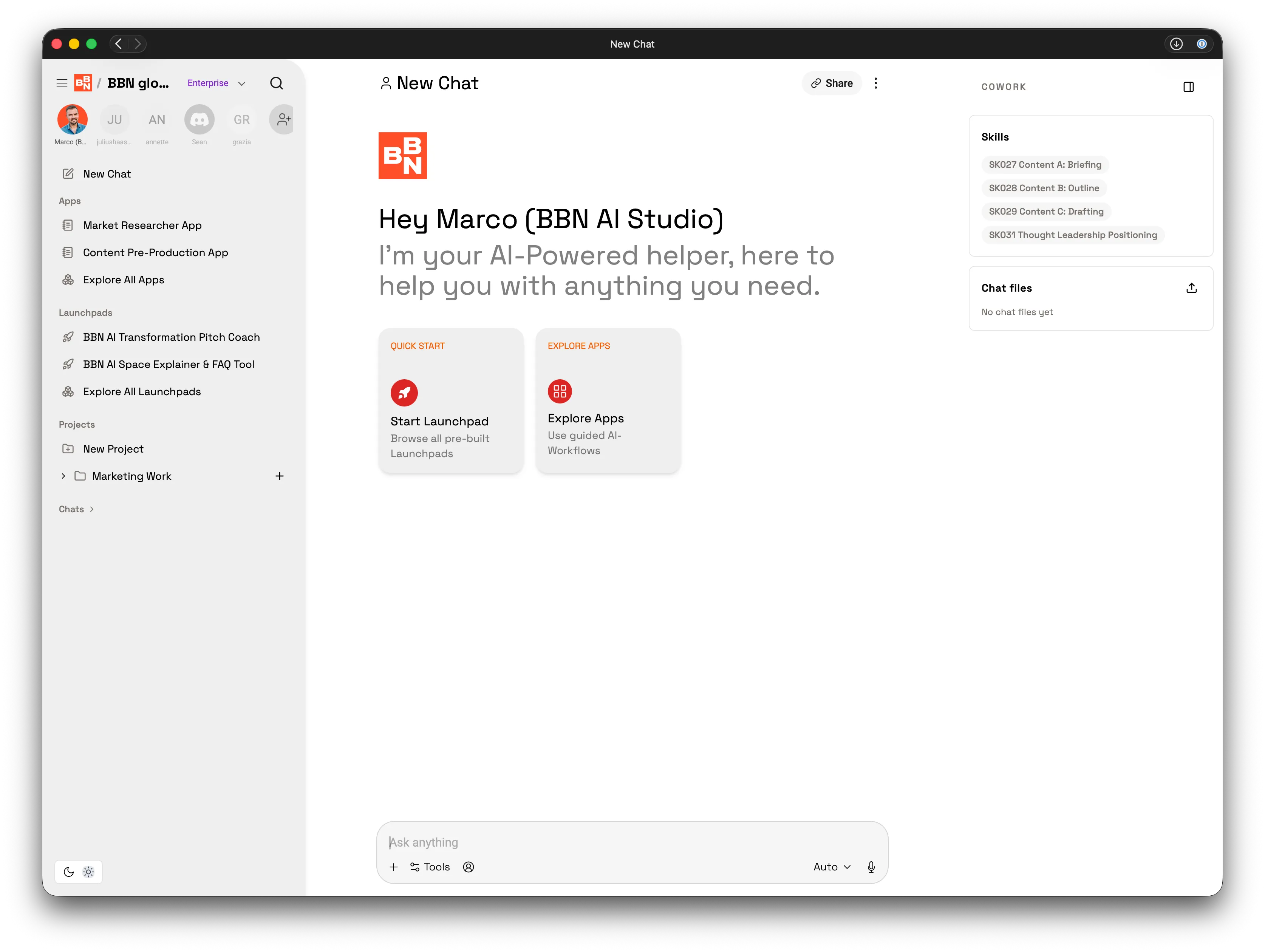
Want to try the skill sets before integrating anything? BBN AI Space is open anytime, for testing or as a bridge while IT gets ready.
It's our own production-grade platform with every skill set already installed, so you can start right away and move into your own AI tool whenever you're ready.
Data, governance, and EU AI Act compliance? Handled.
Your infrastructure. Your boundary.
Skill set execution happens inside your AI platform or tenant. Prompts and outputs never pass through BBN AI Studio infrastructure. Model vendor terms and DLP policies apply as you have already configured them.
For your IT and data protection team: The trust brief What the endpoint sees (PDF) lists everything our skill endpoint can technically receive, and four ways to verify it without taking our word for anything.
GDPR-ready, Frankfurt-hosted, restrictable by region.
Skill set artifacts and any optional telemetry are hosted on EU infrastructure. Frankfurt data residency is the default.
No training on your prompts.
New skill sets are written by our named senior practitioners, who distill their best practices into clear instructions for your AI. Your data is never part of that. And your model vendor's own no-training terms still cover your prompts, references, and outputs.
Every change is logged.
Skill sets are versioned. Each change ships with a changelog (what changed, why, who approved). Older versions remain available for rollback. You see exactly what your team's AI is doing on your behalf.
AI declared, humans accountable.
AI use is declared in contracts and in output metadata. Every skill set has a named human accountable for it: The practitioner who built it. Creation processes are logged and auditable, with no black boxes and no unsigned work.
DPA, GTC, and CC included.
BBN AI Studio ships with a Data Processing Agreement, General Terms and Conditions, and Code of Conduct aligned to the EU AI Act. Legal review packs are available for procurement on request.


What IT, security, and procurement ask before go-live.
What happens to our data when we use a BBN AI Studio skill set?
In all three integration options, the skill set executes inside your AI platform or tenant. Prompts and outputs never transit BBN AI Studio infrastructure. Your model vendor’s terms apply.
How do we roll out skill sets to hundreds of Copilot users?
With the Cowork plugin (Option B): One admin install, tenant rules govern access, every assigned user gets the library. Today this is the way to bring many skills to many users in a governed rollout. Not on Cowork yet? Option A covers the team in the meantime.
We build our own Copilot Studio agents. Can our skills and yours work together?
Yes. Connect our endpoint and both live side by side, or bundle our skill sets as attachments into an agent you govern.
What if our AI platform does not speak MCP yet?
Then Option C covers it: Versioned import packages for whatever runtime you use, from Gemini Gems to air-gapped assistants.
Can we run BBN AI Studio entirely on our infrastructure?
Yes. That is Option C in full: Import packages, direct database access, or your own governance platform account. Options A and B also execute inside your tenant; prompts and outputs never touch our systems.
What if none of the three paths is open for us yet?
BBN AI Studio is the service: The skill sets and the people behind them. BBN AI Space is a workspace: Our own professional platform with the skill set library preloaded. Most teams use it to demo BBN AI Studio, test it on real briefs, and bridge interim production while IT prepares the primary AI platforms. Space is production-grade. Skill sets are portable: When your primary AI is ready, the same skill sets move into it. See BBN AI Space at https://bbn-international.com/b2b-ai-space/.
How is identity and access handled?
Authentication uses your existing SSO. Access rules, roles, and audit logs stay in your platform. We do not issue a new identity layer or hold user accounts on our side.
What logs and audit trails do we get when skill sets run?
Skill set execution sits inside your AI platform, so the logs your IT team already collects cover prompts, outputs, identities, and timestamps. On top of that, BBN AI Studio publishes a per-skill-set changelog (what changed, why, who approved) so you can tie output quality back to the skill set version that produced it.
What happens if a skill set update breaks our workflow?
Previous skill set versions stay available. Roll back in minutes: Options A and B flip back to the prior live version, Option C reverts to the prior package or database state. Changelogs make every revert auditable.
Ready to test the skill sets in your own Copilot?
Or in Claude, ChatGPT, or your sovereign setup. Same skill sets, your choice of surface.